The steps below will be required when logging into your CHES Microsoft account for the first time.
Note: If you ever lose access to your multi-factor authentication app, please contact the CHES IT Department via the helpdesk to have it reset.
Step 1:
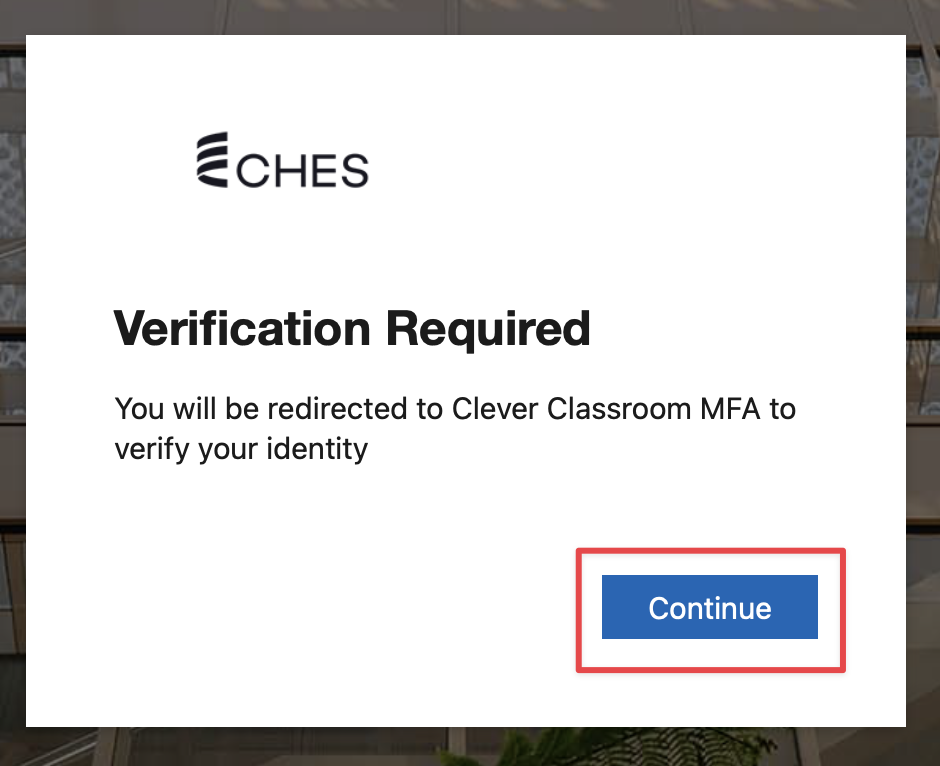
After entering your username and password, you will be asked to verify your account with Clever Classroom Multi-Factor Authentication (MFA). Click Continue.
Step 2:
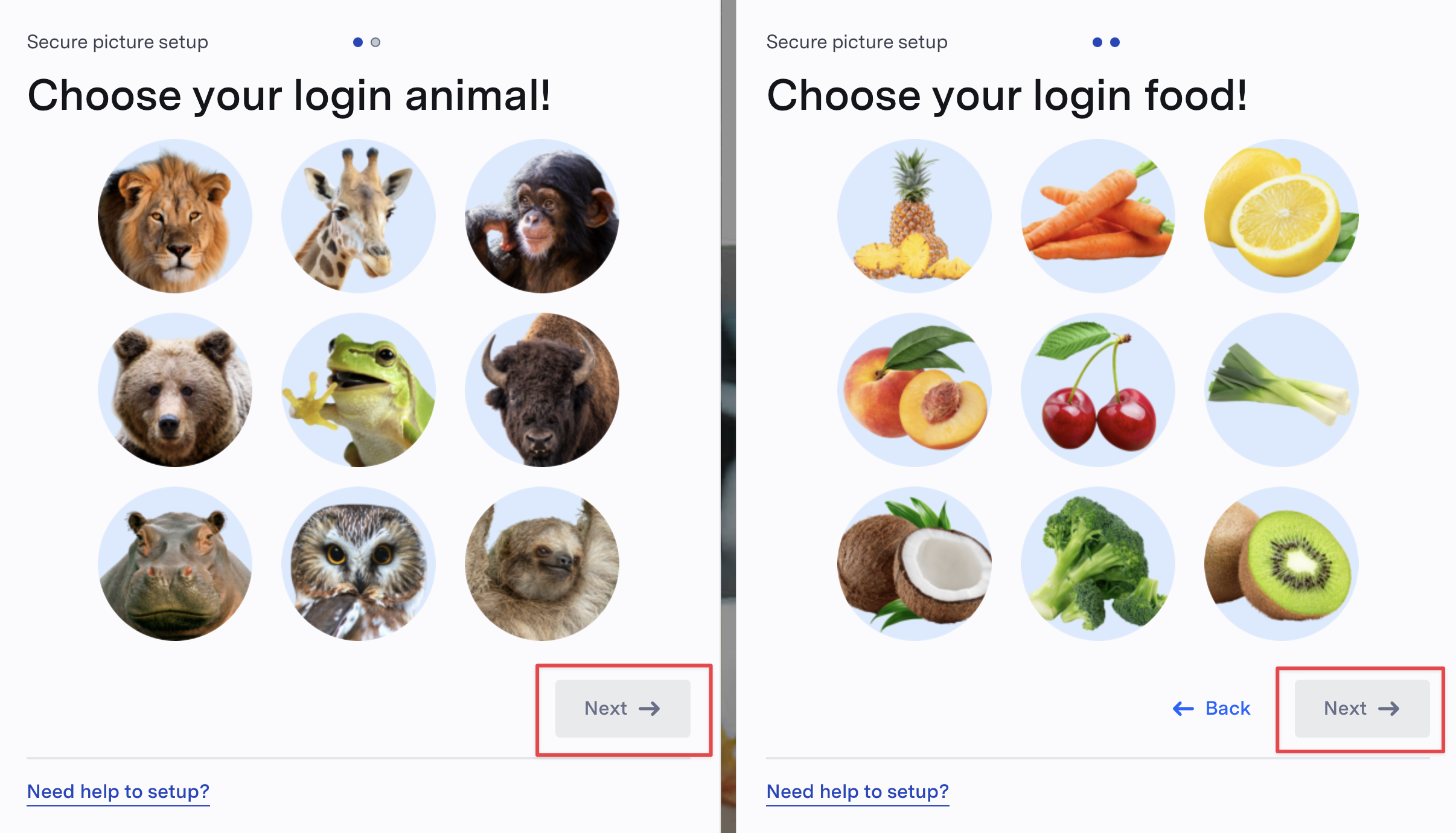
Once you have been re-directed to Clever, you will need to select two images that you will use to verify your account when logging in. Click Next.
Step 3:
Once you have selected your two images, you will see a confirmation. Please remember these pictures as they will be required to verify your account when logging in. Click Done to finish the process. You will now be re-directed back to Microsoft to continue logging in.

Was this article helpful?
That’s Great!
Thank you for your feedback
Sorry! We couldn't be helpful
Thank you for your feedback
Feedback sent
We appreciate your effort and will try to fix the article